Imperva WAF
To configure log integration:
-
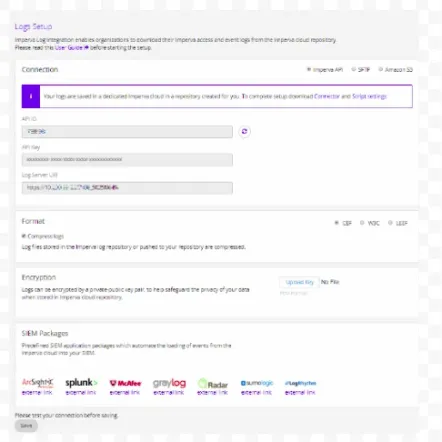
Log into your my.imperva.com account and navigate to the Logs Setup page:
-
New UI: On the top menu bar, click Account > Account Management. On the sidebar, click SIEM Logs Setup > Logs Setup.
-
Classic UI: On the sidebar, click Logs > Log Setup.
-
-
Select a connection mode.
-
Select the format for the log files: CEF (default).
-
Click Save to save all changes.
-
On the sidebar, click Log Levels. The following window is displayed

Select a log level for each site to enable logging, or leave disabled.