Create a Report
Go to Reports, click the plus icon, the following list will be displayed on screen.

Table
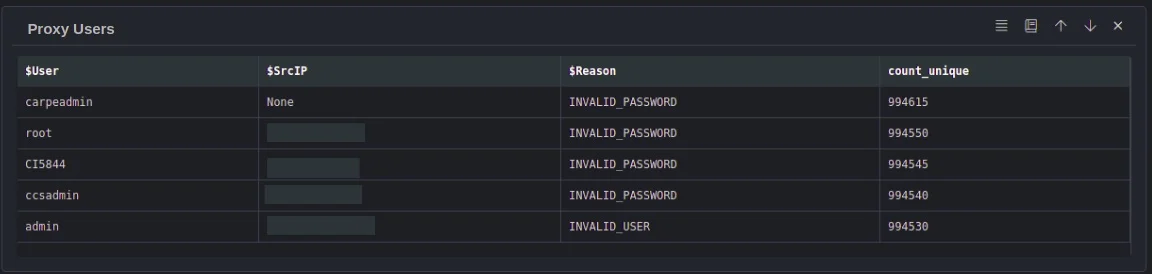
Tables can be used to generate reports. Select this and it will list all workbooks, select a workbook and click ok, the query results of the selected workbooks will be added to the report in table format.
Markdown
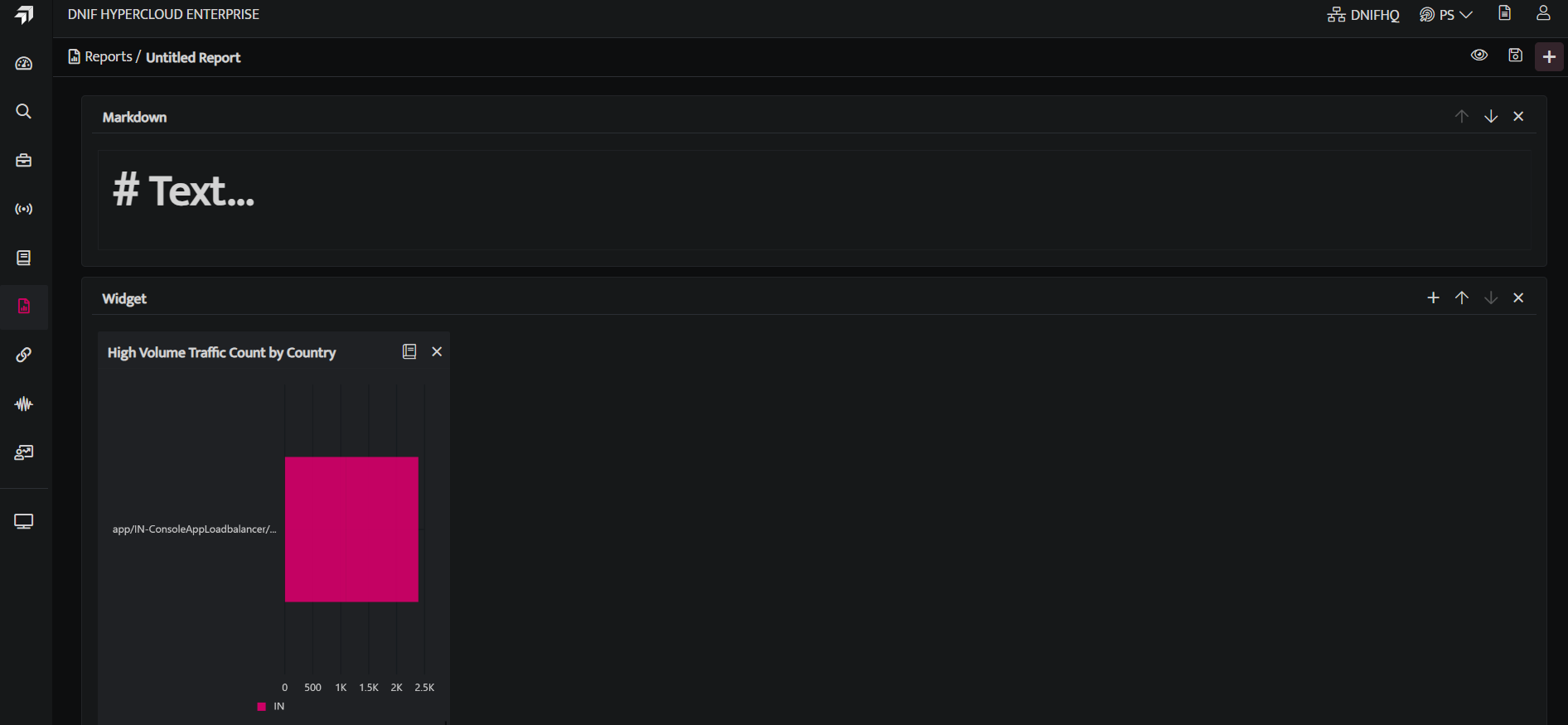
Markdown is used to add a title or a brief description about the report or include some details about the tables or the widgets added.

Widgets
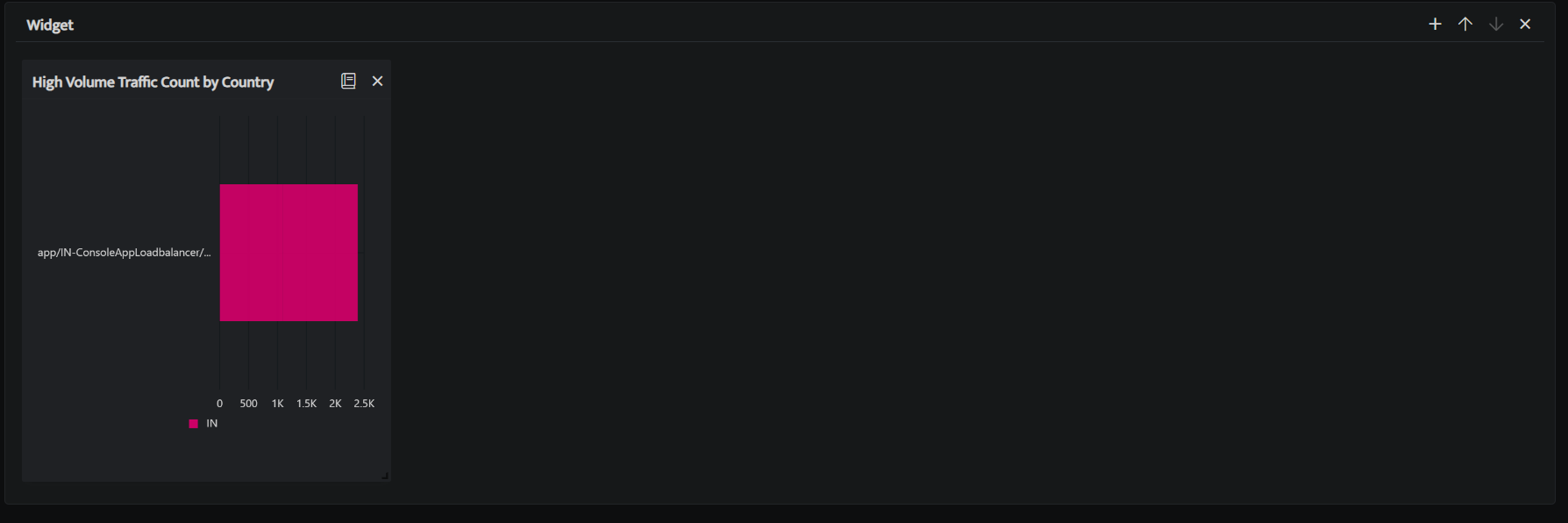
Widgets are used to add widgets to your report page. Select this and it will list all workbooks with visual blocks added, select a particular workbook or the visual blocks and will be added as a widget to a report.
-
Click Save icon after adding all the Tables, Markdowns and Widgets.
-
Click the eye icon on top of the page to have a pdf preview of the report page.
- The saved report will be displayed on the report list page.