Search and Filter Cases
Searching and filtering cases allow users to quickly locate and focus on specific cases by applying relevant filters
Search Cases by name
-
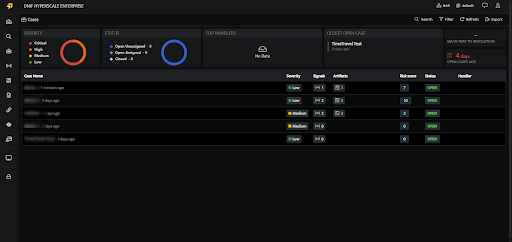
On the left navigation bar, Click the Cases icon to view the following page.
-
Users can search for existing Cases by the Case name using the Search.

Filter Cases
-
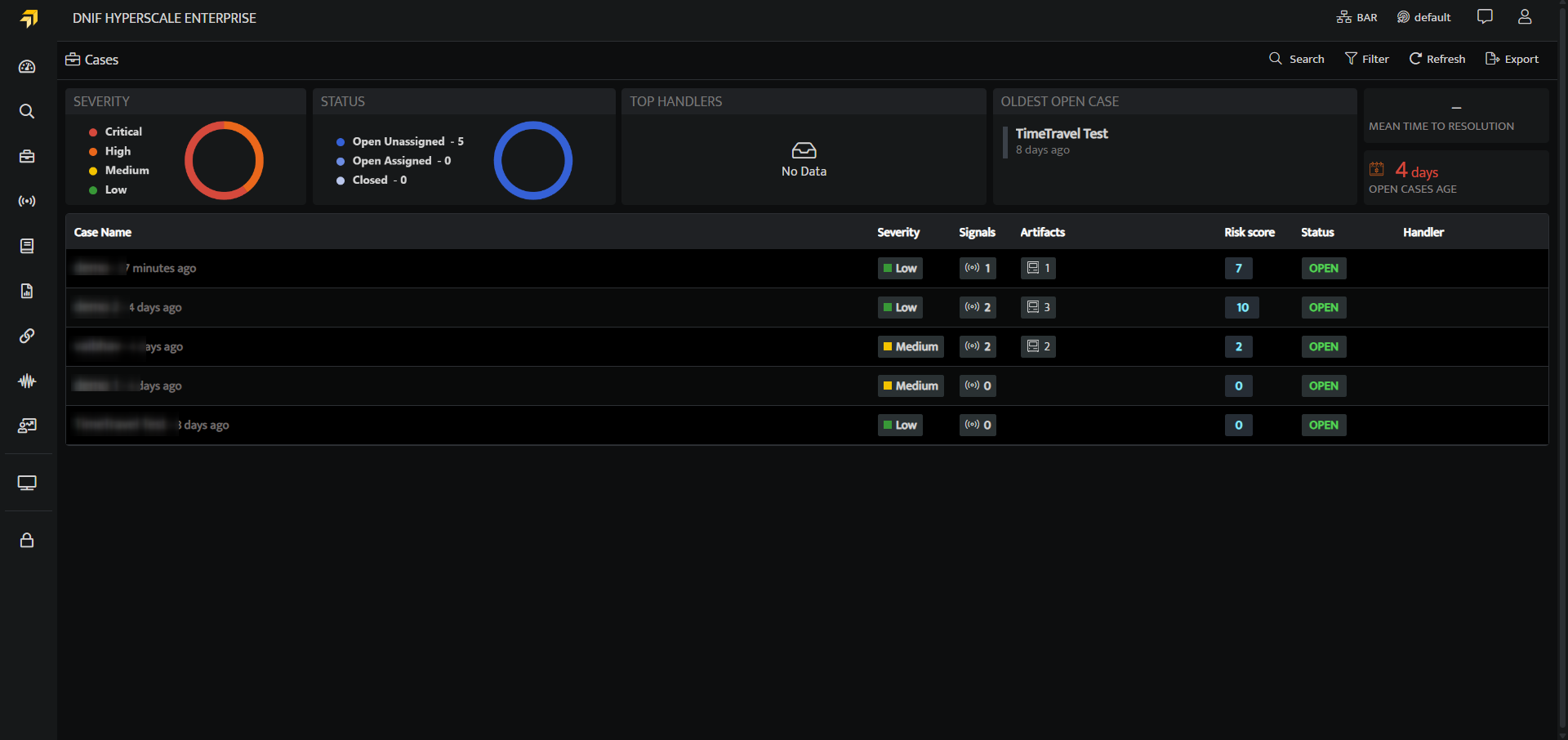
On the left navigation bar, Click the Cases icon to view the following page.
-
Click the Filters icon to apply Filters.
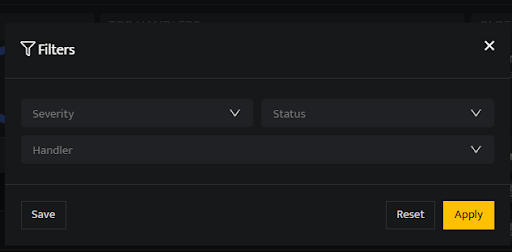
| Fields | Description |
|---|---|
| Severity | Users can filter the Case by Severity(low, medium, high, critical) |
| Status | Users can filter the Case by Status(Open, In-Progress, On-Hold and Close) |
| Handler | Users can filter the Case by the Handler name. |
| Apply | Click to apply the filter |
| Reset | Click to reset the filter |
| Save | Click to save the filter |