Bipartite Chord
This chart displays the flows or connections between different entities, each entity represents a part of the circular layout. You can hover a specific entity to highlight all its connections. You will have to group your data to form the chord.
Creating a bipartite chord diagram
-
Go to workbooks, add a DQL block and enter a query. Ensure the query includes a stream and the results are grouped as per requirement.
For Example
stream=firewall| groupby srccn, dstcn
- This query retrieves all fields for each event where stream=firewall and the output is grouped by srccn and dstcn . The final output is sorted in the descending order of count_unique (by default). The query results will be displayed as follows.
- Now add a visual block,and enter the following details in the field provided.

| Field | Description |
|---|---|
| Name | Enter a name for this particular chart that you are creating |
| Type | Select Bipartite Chord from the drop-down |
| Primary | Select the primary value for the chart to be created |
| Secondary | Selected the secondary value for the chart to be created. Note: You can add multiple secondary values as per requirement. |
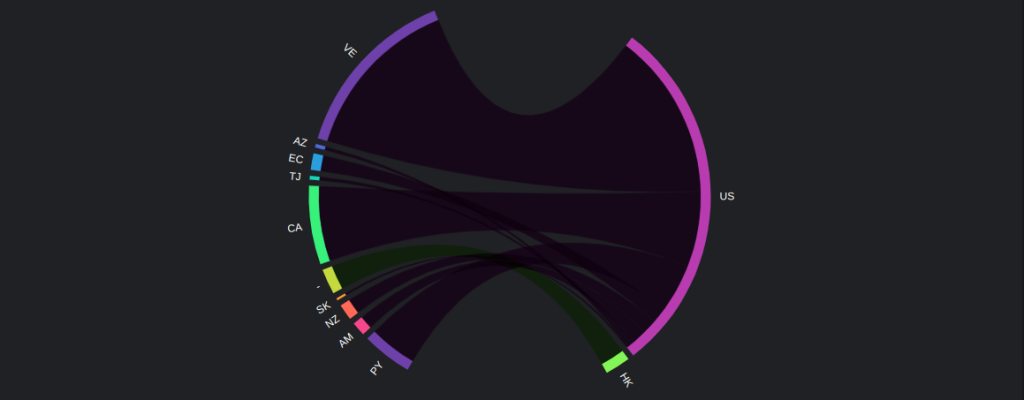
- Hover on the country code to view the exact count.